Spin up the event
Name it, pick your camera and print the QR. Two minutes, and free while we launch.








Party photo sharing
Graduations, reunions, house parties, whatever you’re throwing. Guests scan one QR code, shoot through the camera you picked, and it all lands in one gallery with no full app to install.
One code, the whole room. Live photo wall. No full app needed. Photo & 1080p video. All of it, the next day
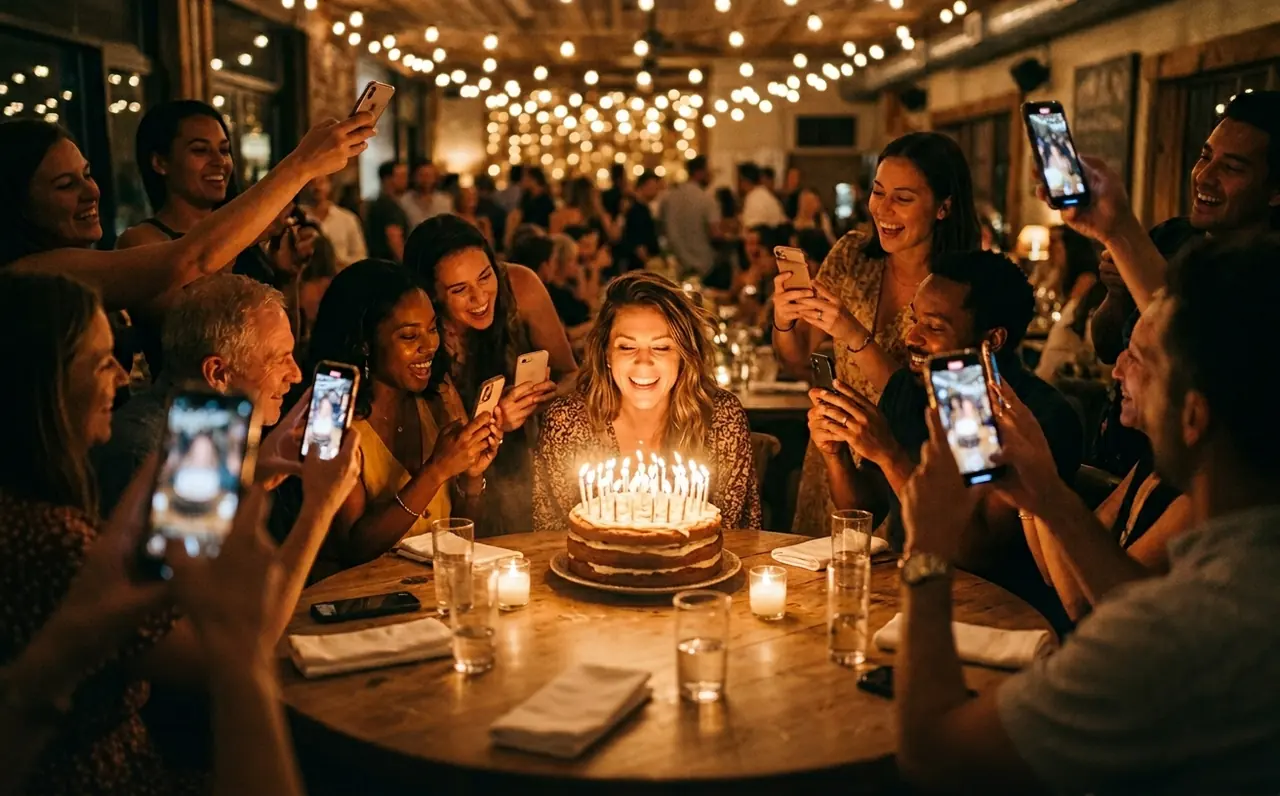
The best photos of your party are scattered across a dozen camera rolls right now, and most of them you’ll never see. One QR code fixes that before the night even starts.
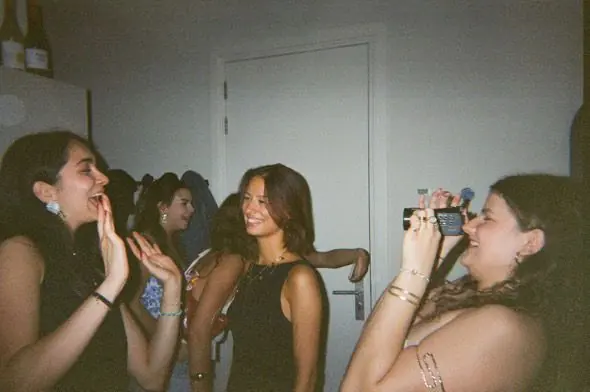


No groups to add people to. Scan and you’re in, and every shot lands in the same gallery.
See the live photo wall
Name it, pick your camera and print the QR. Two minutes, and free while we launch.
On the door, the bar or the table. The camera opens after joining: native on iPhone via App Clip, in the browser on everything else.
Review guest uploads as they arrive. Show approved photos on the wall and download your photo and video archive afterwards.

Choose the event camera for the iPhone experience. Original can give guests a filter choice; the other looks are applied at capture. Browser guests use the available web filters.
True to life. Crisp, honest color, and the only camera where guests can pick a filter.
A moment to imagine
Put the QR where people gather. Give the night one shared camera look, and let every corner of the party tell its own story.
A party with Lenso


The live photo wall
Put approved guest photos on the big screen as the night unfolds. The slideshow follows your gallery access and reveal settings.
Approved photos rotate on the venue screen.
You choose when guests can view the gallery. Share the event link with invited guests.
Save approved photos and videos together in one ZIP.
Scan and you’re in.
Stills and clips in one gallery.
A native camera on iPhone.
Ready to relive and download.


Pricing
One QR code for your guests, one gallery for the moments they share.
The free tier includes up to 50 photos and videos combined and up to 90 days of storage. Download your archive before the gallery expires.
$0/ event
Start with a gathering of your own.
Included
One place for everyone to contribute.
Included
Decide what appears and when.
Questions
Yes. Guests just need a phone with a camera and mobile data or Wi-Fi. The QR opens a native camera on iPhone and the browser camera everywhere else. Print the QR on a sign or put it on the event page.
Guests can remove their own uploads from Your roll in the iPhone experience, or the My uploads view in the browser. Hosts can also remove content from the event.
Share a link to the gallery with everyone after the event, or download a ZIP of approved photos and videos and pass it on however you like.
Read next