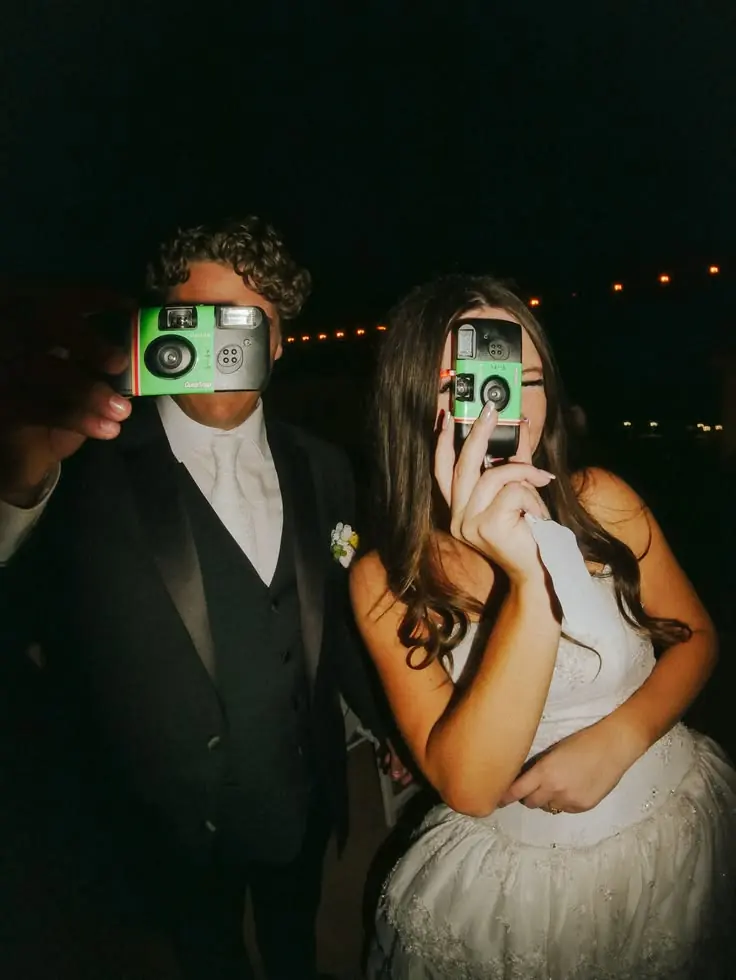
No full app needed
Supported iPhones load a small App Clip. Android guests use the browser. Check camera and App Clip permissions on managed devices before the event.









Corporate event photos
Off-sites, conferences and holiday parties, seen by the people who were there. Guests join by QR and give consent. Your host can review photos and videos before sharing them.
No full app needed. Guest consent. Your event camera look. Moderated in real time. EU hosting
Test the guest link on the devices your team uses, explain how photos will be shared and choose who will review the uploads.

Put the live wall on the main screen during the event, then turn the same gallery into the highlight reel for the all-hands.
Talk to us
Before the event
Supported iPhones load a small App Clip. Android guests use the browser. Check camera and App Clip permissions on managed devices before the event.
Explicit consent, EXIF stripping and a retention timer come as standard, not as a paid add-on.
Choose the event camera look and review uploads before guests see them. Agree separately on permission for any company use.
Name it, choose the camera and retention settings, and decide who moderates. Get a QR for badges, screens and decks.
An App Clip on supported iPhones, a browser on Android. Guests join and give consent before sharing.
Review the collection in one place. Download approved photos and videos, and confirm permission before using them in company communications.

Live wall to all-hands
Put the live wall on the main screen during the event, then turn the same gallery into the highlight reel.
Show approved photos once your gallery is open.
Download the collection, then confirm permission for each place you want to share it.
The live wall during the event, the recap after it.
Features
A real iPhone camera with no full app needed. Other guests can use a supported browser.
Guest consent, location metadata removal and a retention setting.
Review photos and videos before they appear in the guest gallery.
Drive engagement and a little friendly competition.
Put times, session titles and locations on the guest event page.
Drop the gallery straight into your intranet or microsite.


Legal & privacy
Guest consent, location metadata removal and retention controls support your event setup. Read the policy and agree any organisational requirements with your team.
Metadata is removed on upload, so there are no accidental location leaks.
Every employee agrees before sharing. Recorded, not assumed.
Set how long content lives and it deletes itself. Guests can remove their own.
Review how event data is processed, the providers involved and how people can exercise their rights.
Candid moments from the whole team.
Every session, every stage.
The room’s reaction, captured.
The night everyone remembers.
Pricing
Start with the free tier. For larger collections or a recurring event programme, talk to us about what you need.
The free tier includes up to 50 photos and videos combined and up to 90 days of storage. Download your archive before the gallery expires.
$0/ event
Start with a gathering of your own.
Let’s talk
For studios, venues and teams.
Questions
Lenso includes guest consent, location metadata removal, moderation and a retention setting. Review the privacy policy and your organisation’s requirements before inviting employees.
Guests do not need the full app. Supported iPhones can load an App Clip; Android guests use the browser. Managed-device policies can restrict cameras, browsers or App Clips, so test with your IT team.
Contact us with your branding and domain requirements. Confirm the setup with us before promising a customised rollout.
Hosts manage their event and can export approved photos and videos. Contributors retain rights to their uploads. Check the privacy policy and obtain any permission needed before using event content elsewhere.
Read the privacy policyRead next