Five event cameras
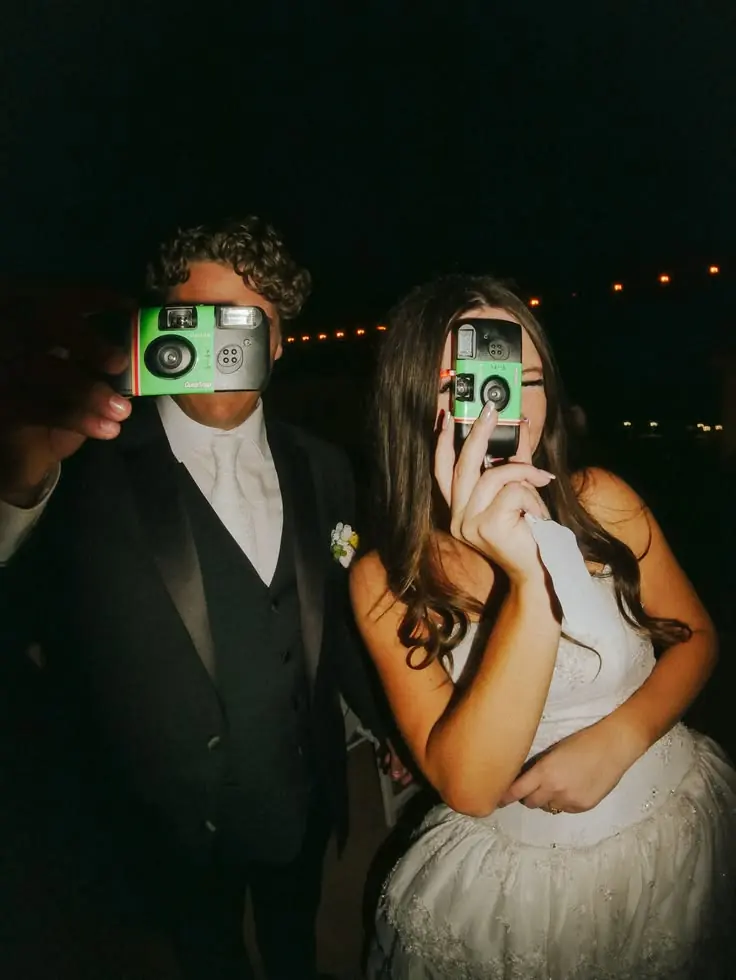
Original, Espresso, Eurotrip ’04, Flashback and Disposable. The host picks the look for iPhone captures.








Features
Create and manage events on iPhone. Guests join by QR to share photos, video, voice messages and songs. Choose the camera look, review uploads and set the gallery reveal.
Five event cameras. Live photo wall. Audio guestbook. Private by design. Photo & 1080p video
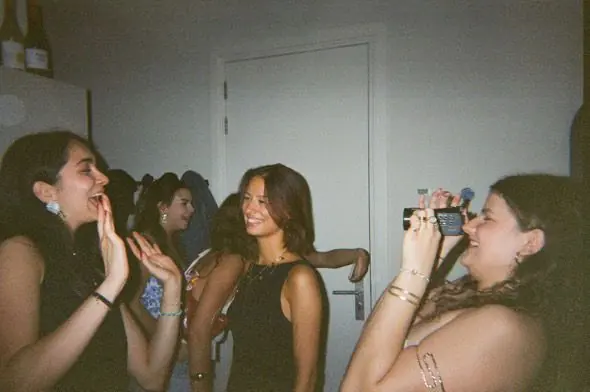



On iPhone the QR opens a real native camera as an App Clip. Android, tablets and older iPhones use the browser.


Five event cameras, filters on Original and full HD video for toasts and speeches.


Guests record a voice message on the spot, for the words a card can’t hold.
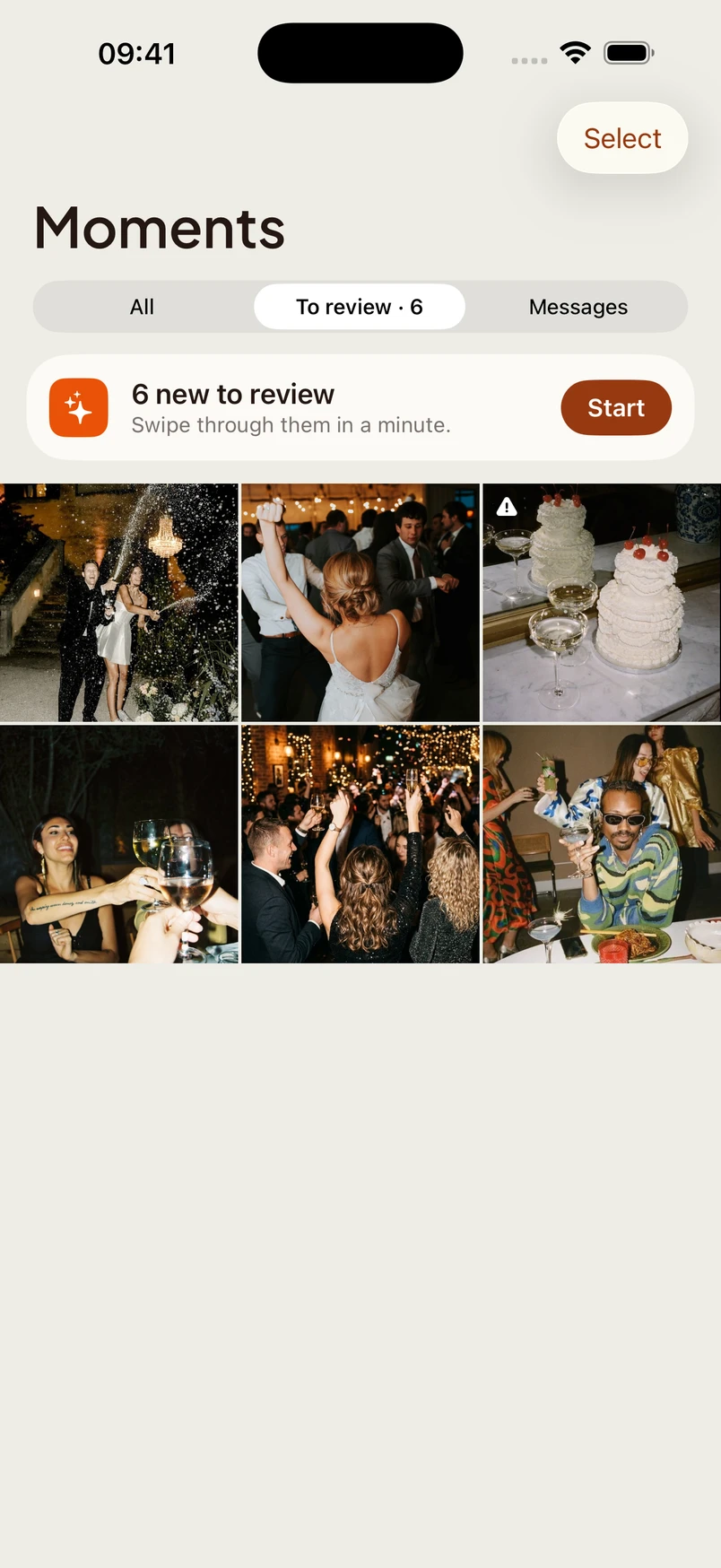
Create your event, capture your own moments and review guest uploads. Event, Moments and Share keep the next step close at hand.
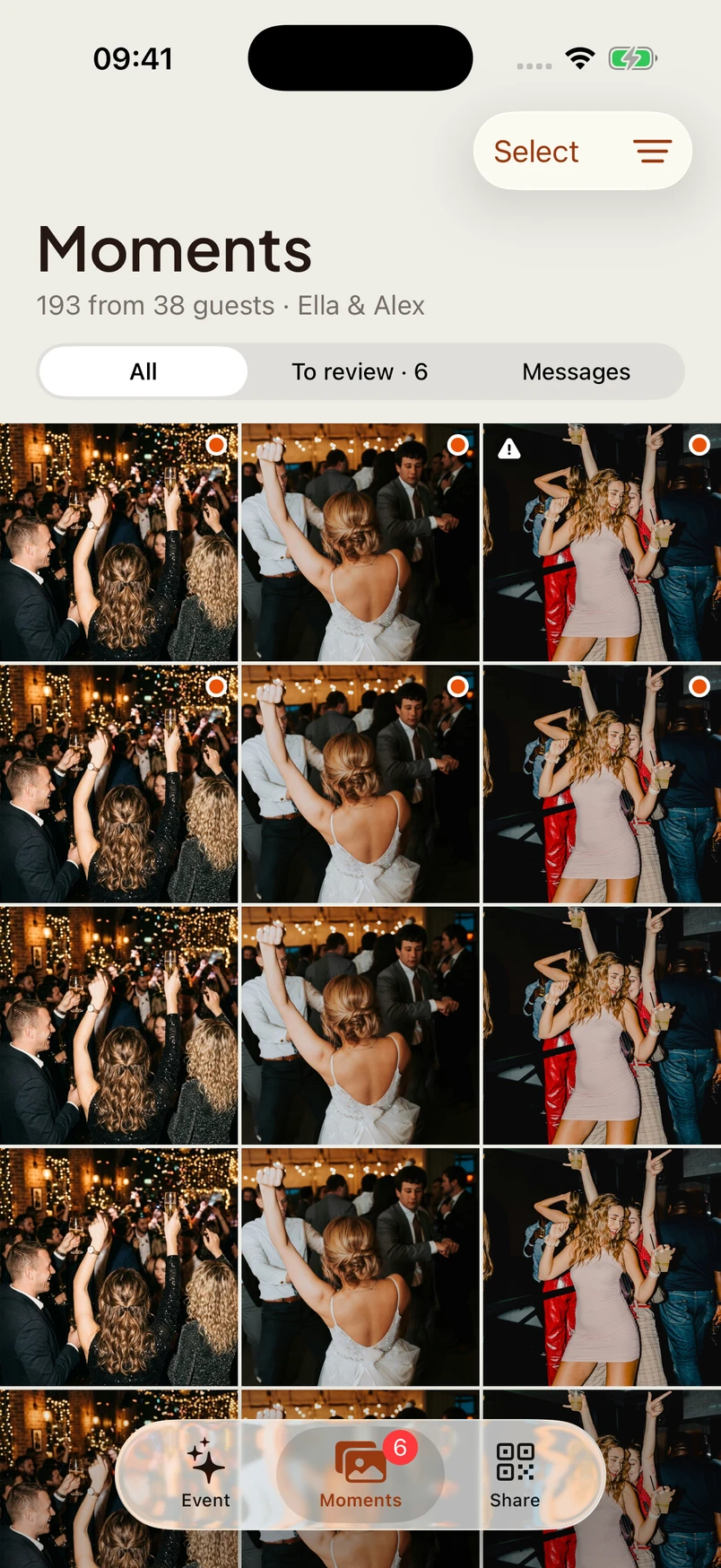
Right to approve, left to reject, from anywhere.

Capture
Guests join through an App Clip on supported iPhones or the event link in their browser. No full app or guest account needed.
Original, Espresso, Eurotrip ’04, Flashback and Disposable. The host picks the look for iPhone captures.
Golden Hour, Film 35, Noir, Bloom, Dusk and Chrome, for hosts who want guests to choose their own look.
Android guests can capture through a supported browser. Available camera and video options depend on the device.
Capture 1080p video on iPhone alongside photos. Browser recording depends on the device.
Guests add messages and react to photos, turning the gallery into a live, layered memory.
In the iPhone experience, guests can see what they shared, check upload progress and remove their own contributions.

Choose the event camera for the iPhone experience. Original can give guests a filter choice; the other looks are applied at capture. Browser guests use the available web filters.
True to life. Crisp, honest color, and the only camera where guests can pick a filter.
Live
Guest uploads arrive in your host gallery. Show approved photos on the venue screen when your gallery is open.
Show approved moments on a venue screen. The wall follows your gallery visibility and reveal settings.
The host gallery updates live. New uploads appear instantly.
Organise by moment: getting ready, ceremony, reception, after-party.
A styled, print-ready QR code for every event, as SVG or PNG.


Privacy
Guests give consent before sharing. Hosts control gallery access, moderation and how long the event stays online.
Photo processing removes embedded GPS metadata before images become available in the gallery.
Every guest sees a clear consent screen before they can shoot or upload.
Choose a retention period within your event limit. Expired media is scheduled for deletion, so download your archive in time.
Guests can remove their own uploads from their guest session without creating an account.
The event database runs in Frankfurt and media in Cloudflare’s Western Europe region.
Beyond photos
Give guests ways to contribute beyond photos: voice, music and reactions.
Guests record a voice message on the spot, capturing emotion that words on paper can’t.
Guests suggest songs without handing over their number. Requests appear in the host’s DJ panel.
Give guests one place to find the schedule, gallery, voice messages and song requests. Manage the page from event setup.
For hosts and professionals
Plan the guest experience, join in with your own camera and deliver the memories afterwards.
Add your event gallery to a website that supports custom HTML. The embed follows your gallery access and reveal settings.
Capture from your own event without joining as a guest. Host captures are approved automatically.
Set a reveal time. On iPhone, guests see locked previews while the gallery develops; full images and saving wait until reveal.
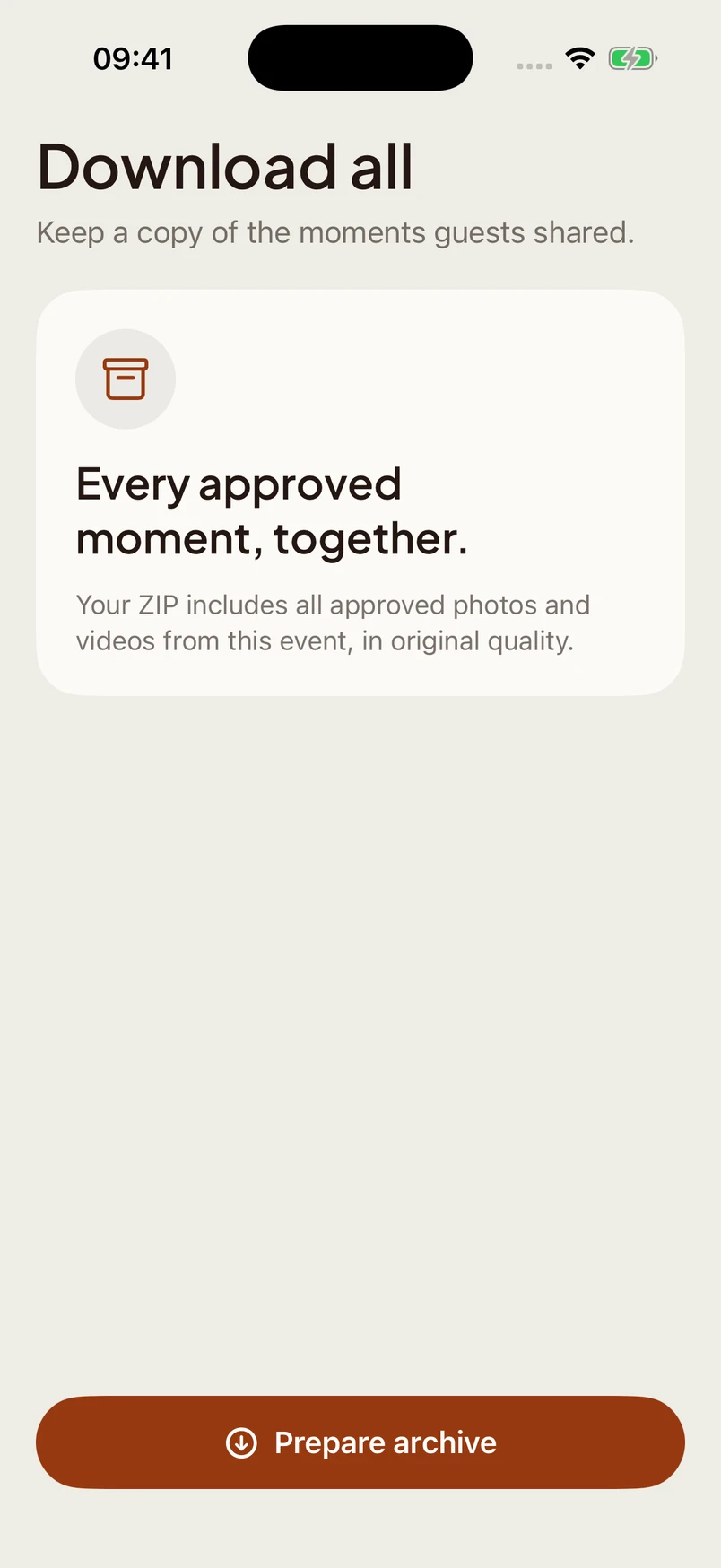
Download approved photos and videos in one ZIP to hand over alongside your own work.
Read next