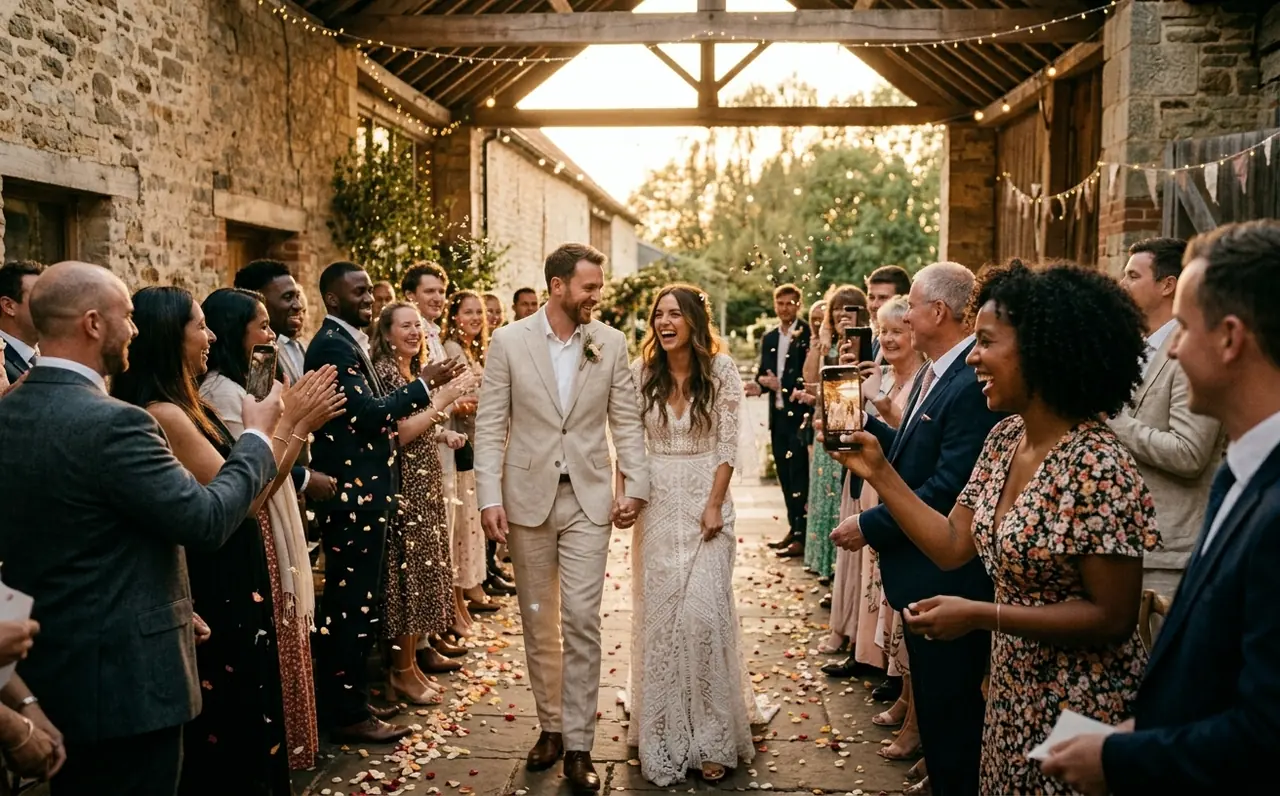
Create the event
Name it, pick your camera, then print or share the QR. Ready before the first guest arrives.


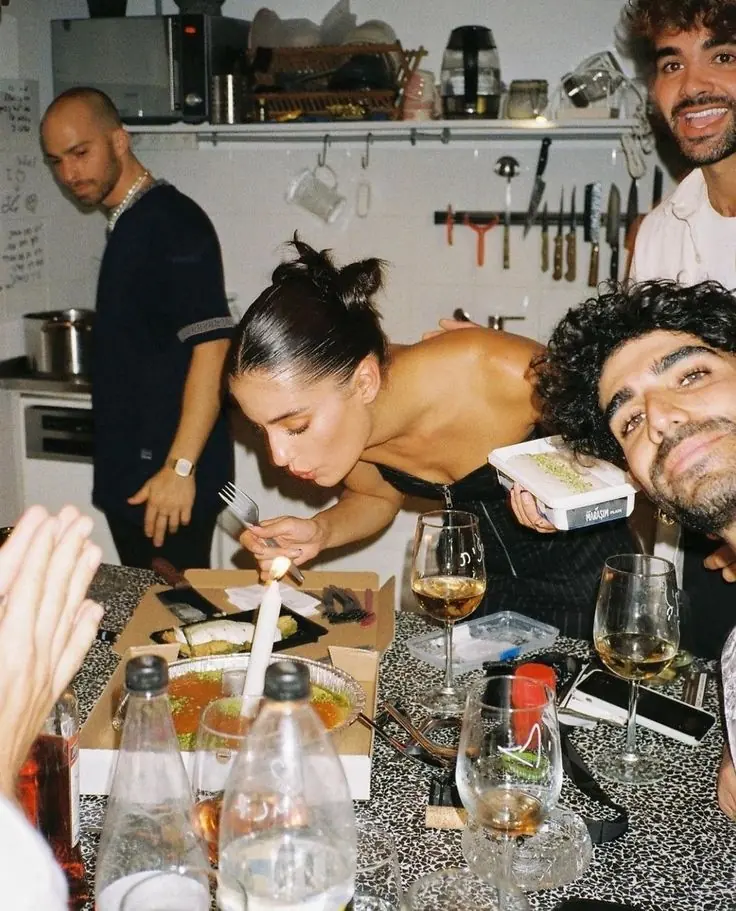





Birthday photo sharing
Birthdays, anniversaries, baby showers and christenings. One QR code puts every guest’s photos and videos in one place, and on iPhone it opens a native camera with no full app to install.
No “can you send me that?”. Beautiful by default. Download and keep. No full app needed. Set up in two minutes
WhatsApp groups get forgotten. AirDrop never works for everyone. One QR code, and every guest’s photos flow into the same gallery automatically.


Guests shoot through the camera you choose, playful, warm or cinematic, so even the phone snaps look like they belong together.
Explore the cameras
Name it, pick your camera, then print or share the QR. Ready before the first guest arrives.
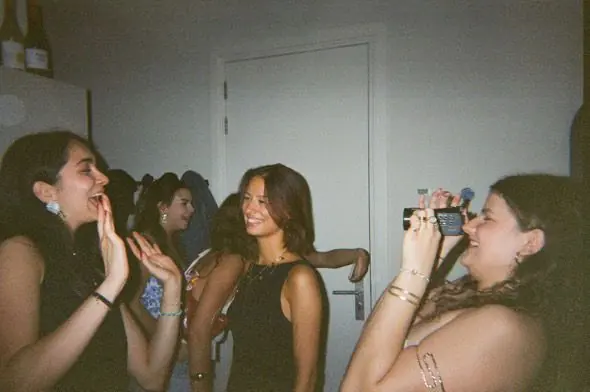
At the venue or from the invitation. On iPhone a native camera opens as an App Clip; other phones shoot in the browser.
Guest uploads arrive in your host gallery. Share the approved collection or download its photos and videos afterwards.

Choose the event camera for the iPhone experience. Original can give guests a filter choice; the other looks are applied at capture. Browser guests use the available web filters.
True to life. Crisp, honest color, and the only camera where guests can pick a filter.
A moment to imagine
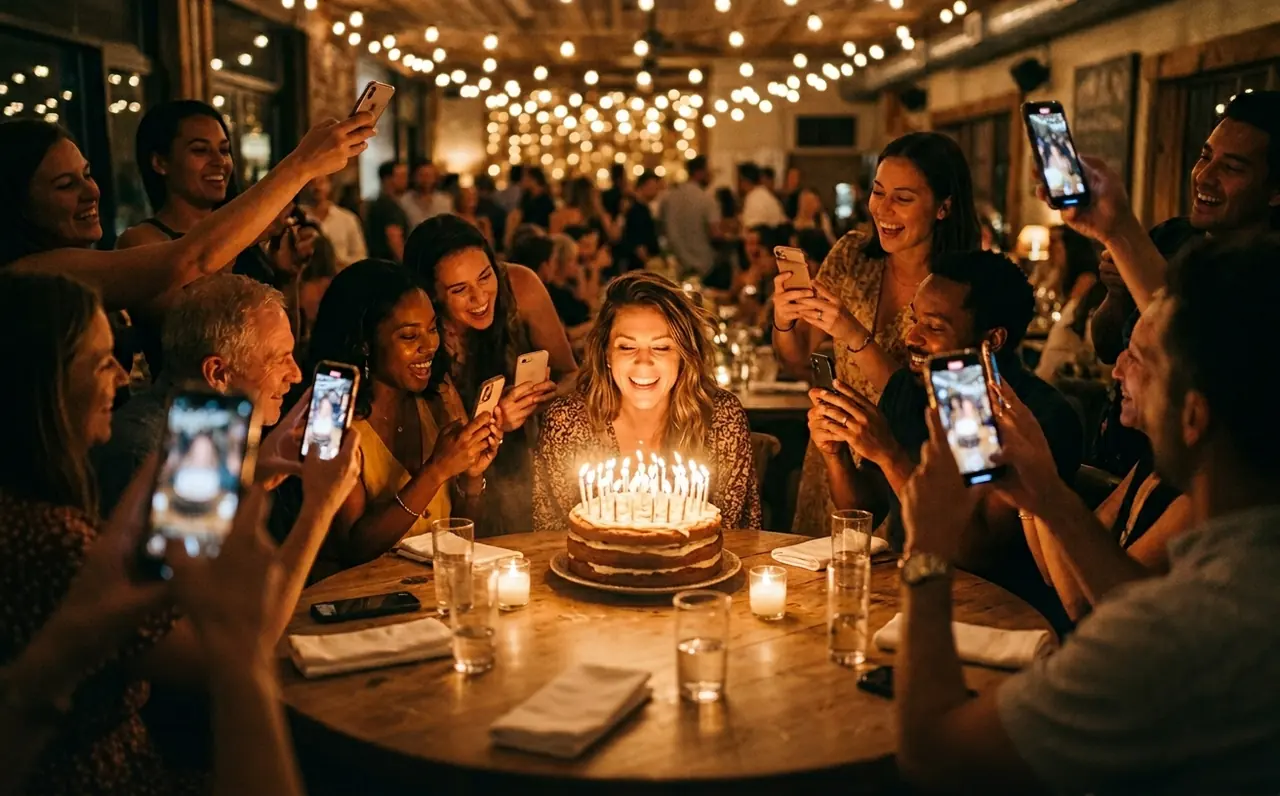
Put the QR beside the birthday cake. Let guests catch the candles, the surprised faces and the last dance, then bring the memories together.
A birthday with Lenso


The live photo wall
Show approved guest photos on a screen at the party. Your gallery access and reveal settings decide when the slideshow opens.
Approved guest photos rotate on the venue screen.
Guests can share text posts and react to photos.
Save approved photos and videos together in one ZIP.
Everything lands in one gallery.
Choose the camera look on iPhone.
Download approved photos and videos.
A native camera on iPhone.


Pricing
One QR code for your guests, one gallery for the moments they share.
The free tier includes up to 50 photos and videos combined and up to 90 days of storage. Download your archive before the gallery expires.
$0/ event
Start with a gathering of your own.
Included
One place for everyone to contribute.
Included
Decide what appears and when.
Questions
Guests do not need the full Lenso app or a Lenso account. On a supported iPhone, scan the QR and tap Open to load the App Clip. Android guests use the event link in their browser. After joining and giving consent, they can open the camera.
Guests need mobile data or Wi-Fi to join and send uploads. Video needs a stronger connection than a photo. In the iPhone experience, check Your roll for upload progress and retry any unfinished uploads before removing the App Clip.
Yes. Share the gallery link after the event, or download a ZIP of approved photos and videos and send it however you like.
Read next