Create your event
Name it, pick your event camera and privacy settings. Lenso makes one QR code for table cards and invites.




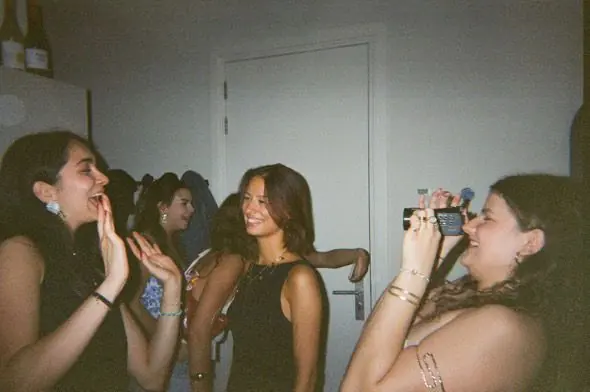



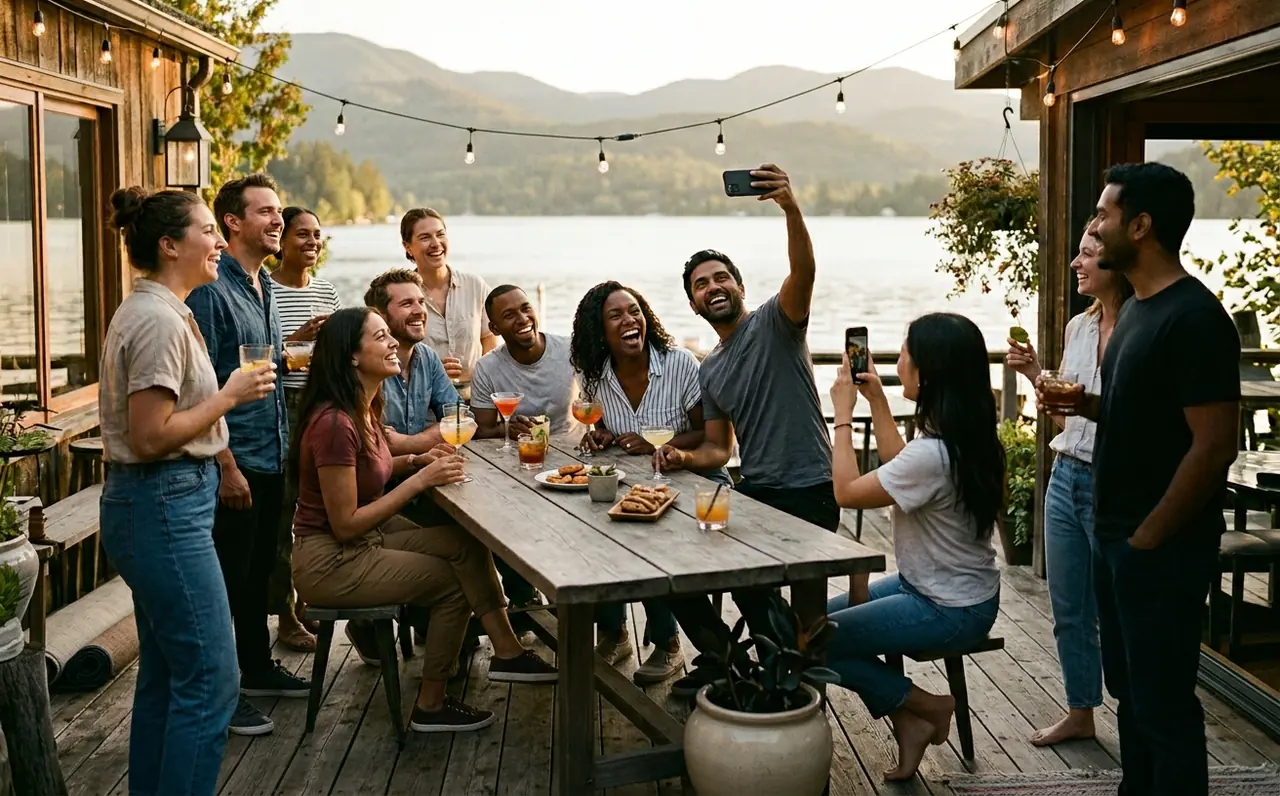
Your event, through every guest’s lens. Guests join by QR, capture photos and videos, and share them in one gallery. Native on iPhone, in the browser on Android.
No guest account needed. Private by design. Set up in two minutes. Photo & 1080p video. Unscripted stories

Shared drives feel like work, group chats compress quality, and hunting down photos after the party is almost impossible.


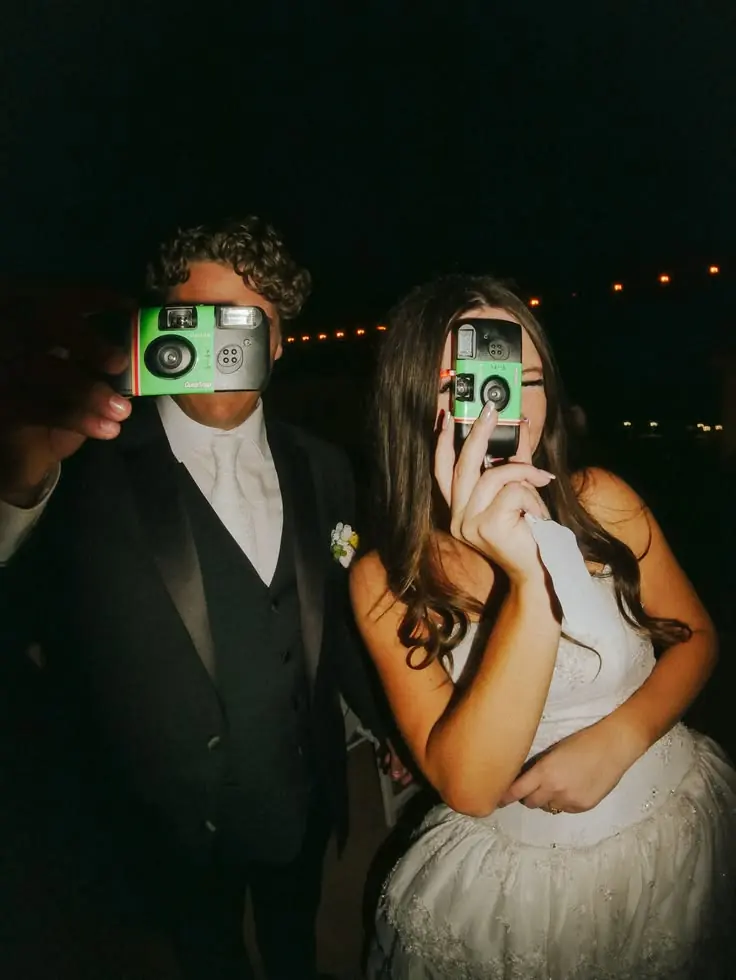
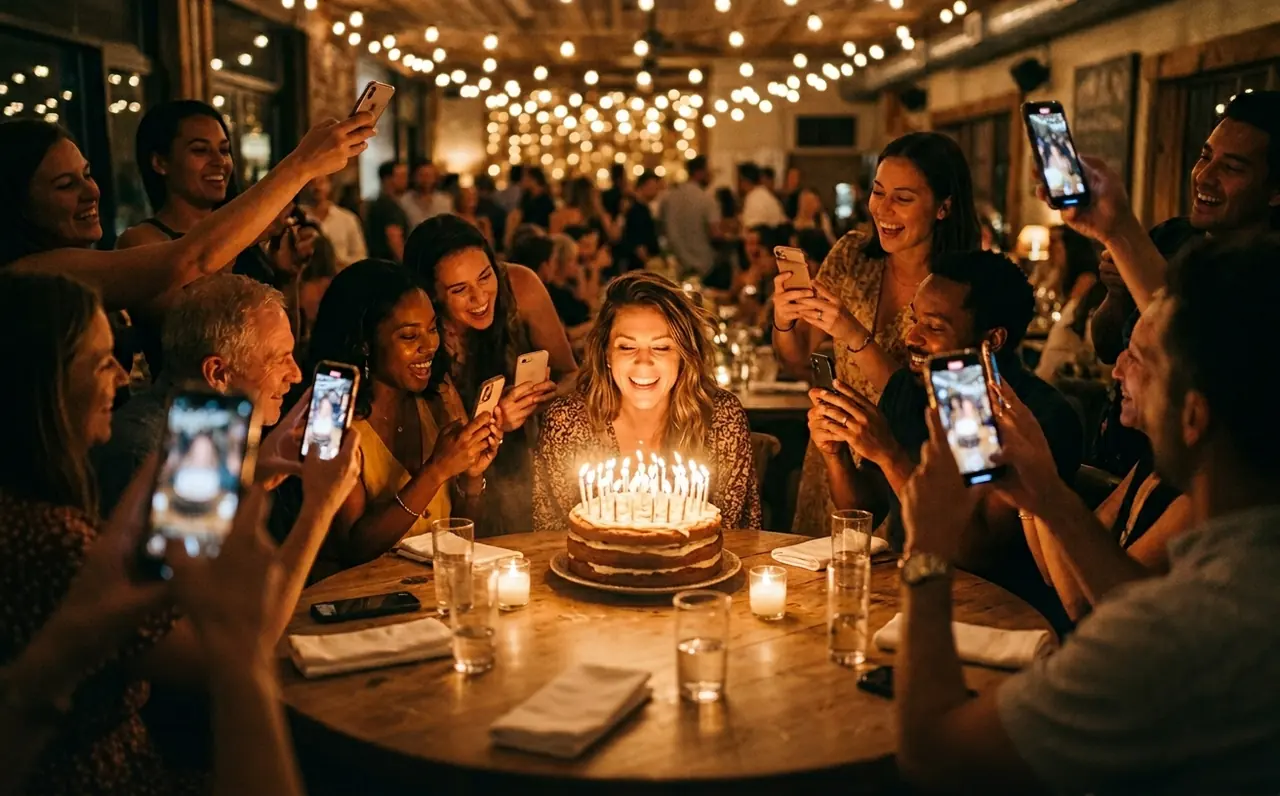
Your guests scan, snap, and the memory is captured instantly.
No do-overs, no editing.

Scan the QR and start shooting.
Toasts and first dances, in full HD.
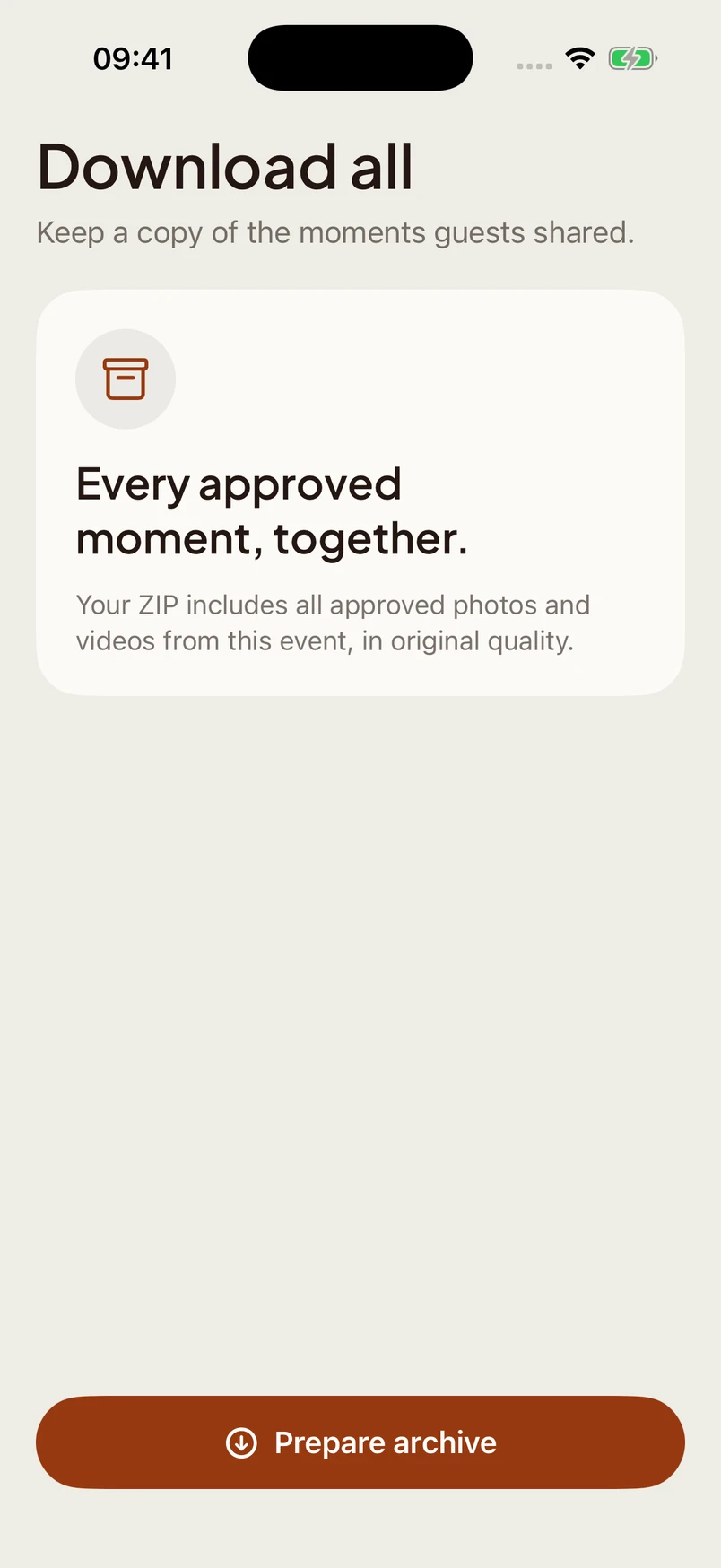
Export approved photos and videos in one ZIP.
Location data stripped from every upload.
Name it, pick your event camera and privacy settings. Lenso makes one QR code for table cards and invites.
Guests open the App Clip on a supported iPhone or join in their browser. After consent, the camera is ready.
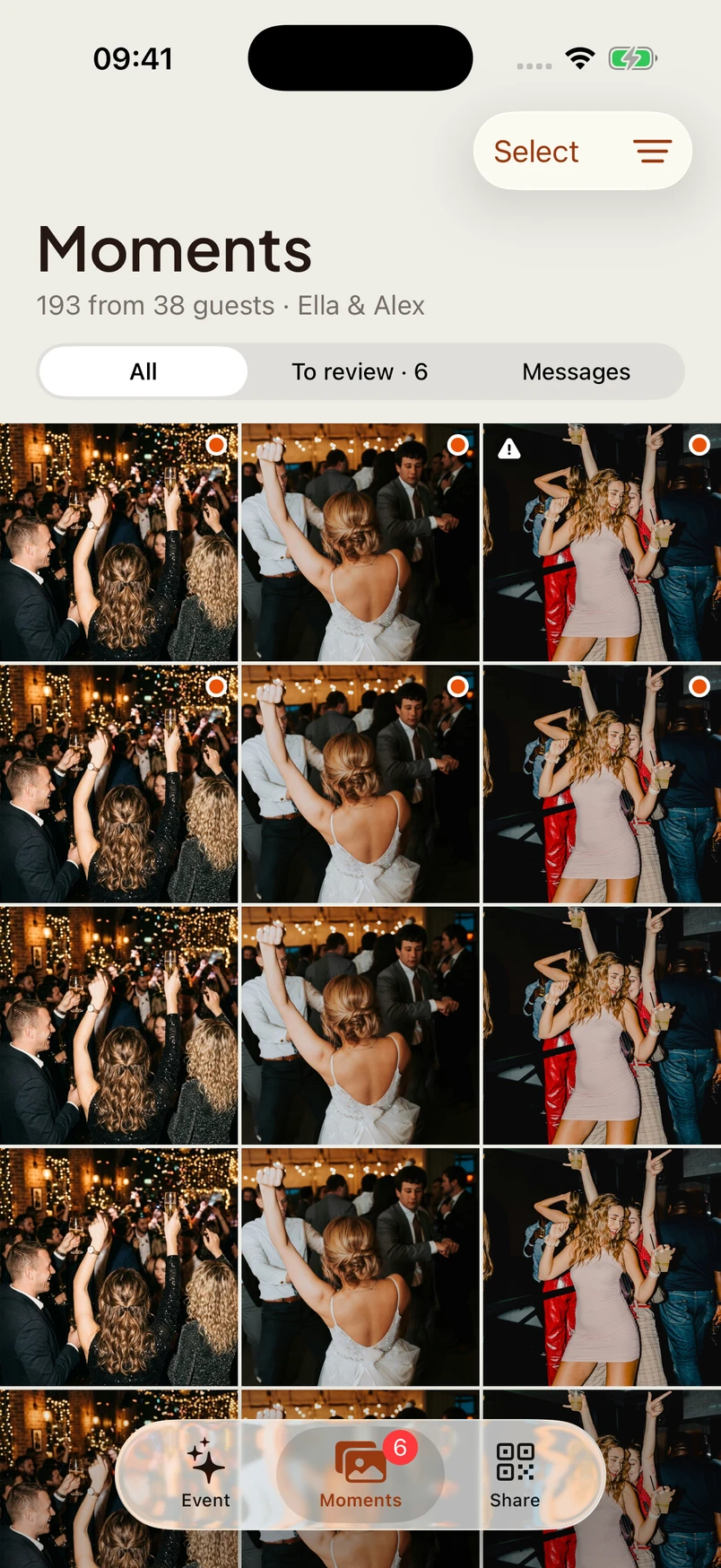
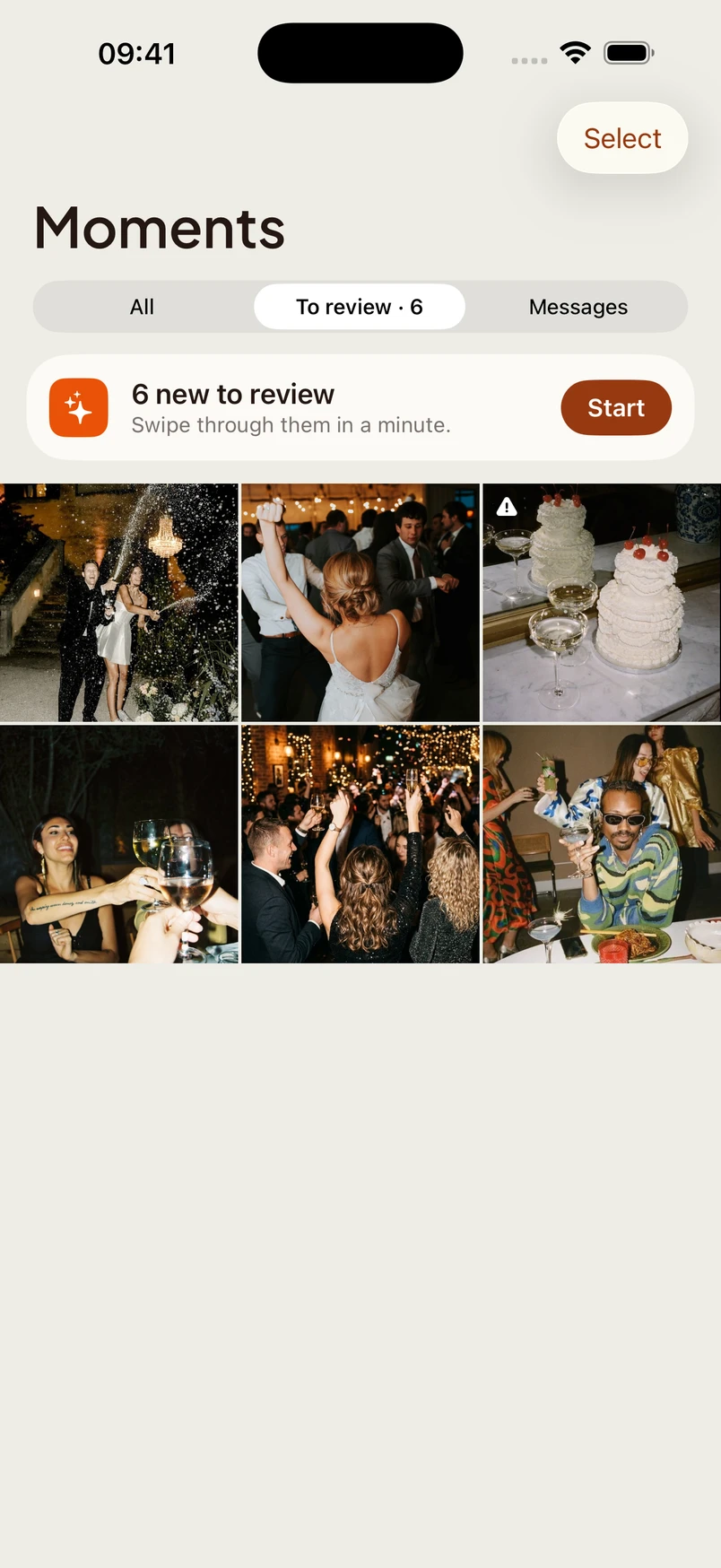
Photos arrive in your host gallery. Approve them for guests, show a live wall or save the reveal for later.



Guests join through an iPhone App Clip or their browser. No Lenso account needed.


Choose the event camera look, let guests use filters on Original, and capture video alongside photos.


Guests record spoken wishes on their own phone. No recording booth needed.
Run the event from your iPhone. Capture your own moments, review guest uploads and choose when the gallery opens.
Right to approve, left to reject. Keep the live wall curated from the sofa.




Pricing
One QR code for your guests, one gallery for the moments they share.
The free tier includes up to 50 photos and videos combined and up to 90 days of storage. Download your archive before the gallery expires.
$0/ event
Start with a gathering of your own.
Included
One place for everyone to contribute.
Included
Decide what appears and when.



Choose the event camera for the iPhone experience. Original can give guests a filter choice; the other looks are applied at capture. Browser guests use the available web filters.
True to life. Crisp, honest color, and the only camera where guests can pick a filter.
A moment to imagine
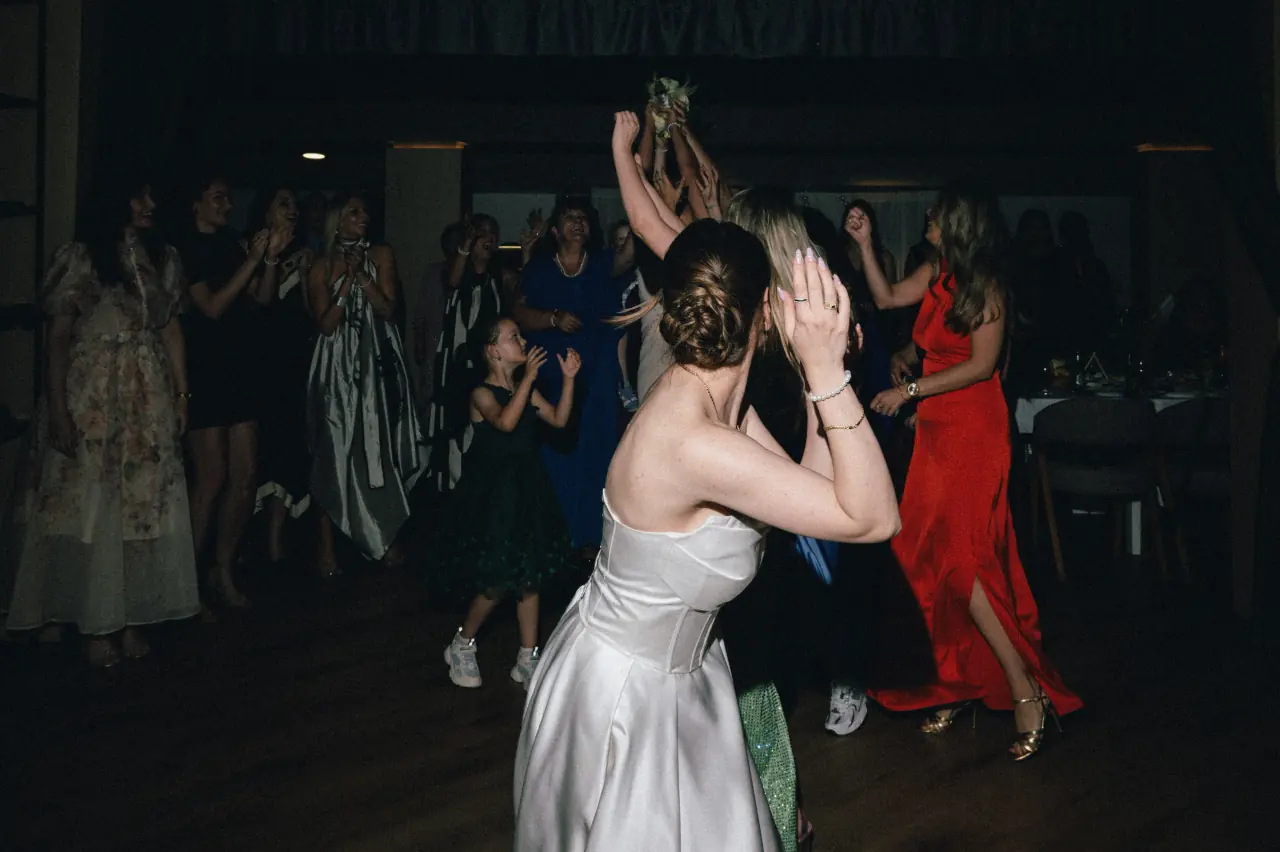
The dance floor, the kids, the quiet corners. Give guests one place to share the parts of the wedding you couldn’t be everywhere to see.
A wedding with Lenso


Questions
Guests do not need the full Lenso app or a Lenso account. On a supported iPhone, scan the QR and tap Open to load the App Clip. Android guests use the event link in their browser. After joining and giving consent, they can open the camera.
An App Clip is a small part of Lenso that downloads when you open it, without installing the full app. It gives iPhone guests a native camera. It may stay on the device after the event; guests can remove it in App Library.
Yes. Android guests open the event link in a supported browser and allow camera access. They contribute to the same event as iPhone guests.
Yes. We strip location metadata on upload, ask guests for explicit consent, let you set a retention timer, and let every guest delete their own photos. Your gallery is yours.
How Lenso protects your galleryThey can. The iPhone experience captures short 1080p videos when the host enables video. The event sets the clip duration. Browser recording options depend on the device.
The free tier supports up to 50 photos and videos combined and up to 90 days of gallery storage. Check the event’s retention setting and download your approved photos and videos before it expires.
You can start free. The free tier includes up to 50 photos and videos combined, up to 90 days of gallery storage and the event features shown here. No credit card needed.